Web-based AI Video
- Browser-based workflows; mobile usability varies by service
- Desktop-generated clips may need transferring to your phone
- Model access and subscription options vary by service
- Vertical output support varies by platform
- Publishing steps depend on your device and social apps
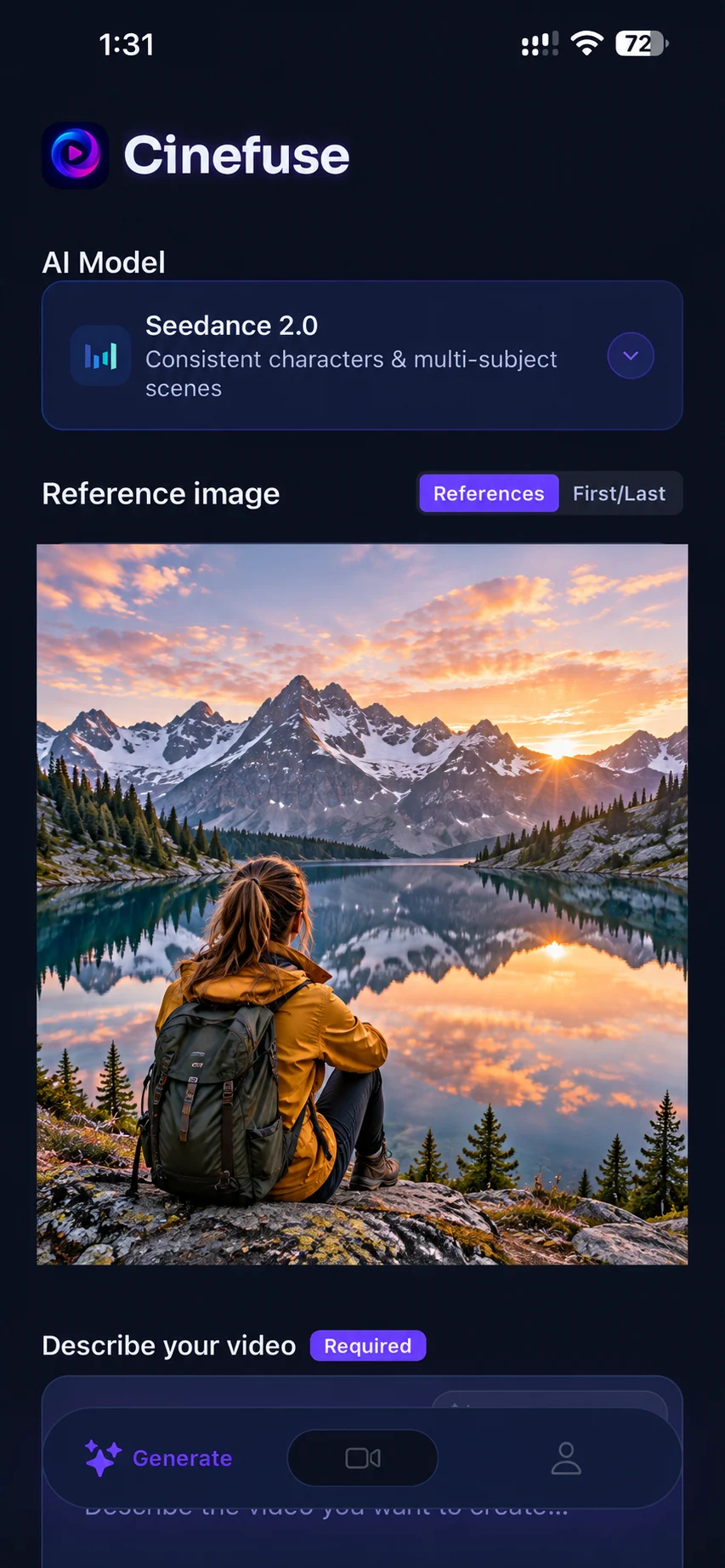
Cinefuse (iPhone App)
- Generate clips directly from your pocket
- Ready to export straight into TikTok or Instagram
- Grok Imagine, Seedance 2.0, HeyGen Video, HappyHorse 1.1, and Seedance 2.5 under a single subscription
- Native vertical 9:16 output for social platforms
- Generate anywhere — no desk, no laptop needed

Free to download. Video generation requires a subscription.
Detailed Comparison
Swipe or scroll horizontally to compare both workflows.
| Feature | Web Platforms | Cinefuse (iPhone) |
|---|---|---|
| Model access | Single-model and multi-model services are available | Grok Imagine, Seedance 2.0, HeyGen Video, HappyHorse 1.1, Seedance 2.5 — all in one |
| Subscriptions needed | Pricing and model coverage vary by service | One plan, all models |
| Device required | A supported browser on desktop or mobile | A compatible iPhone |
| Vertical 9:16 output | Varies by platform | Native support |
| Post to TikTok/Reels | Download → transfer if needed → post | Download → post directly |
| Image-to-video | Varies by platform | Built-in, camera roll access |
| Commercial rights | Varies by platform | Full commercial rights included |
| Generation quality | Depends on model, inputs, and settings | Depends on model, inputs, and settings |
When to Use Each
Use Cinefuse (iPhone) when:
- You're creating content for TikTok, Reels, or Shorts and need vertical output
- You want to generate and post without switching devices
- You need access to multiple AI models without multiple subscriptions
- You're on the go and inspiration strikes away from your desk
- You want to animate photos directly from your camera roll
Web platforms may suit you if:
- You're producing long-form video content primarily for desktop viewing
- You need very specific features unique to one platform's interface
- You're doing heavy post-production work that requires a large screen
FAQ: Web vs Mobile AI Generation
Is generation quality lower on a phone?
No. All generation happens in the cloud. Using a phone does not itself reduce generation quality. Results depend on the model version, inputs, and settings offered by each service. The phone is just the interface — the heavy compute happens on our servers.
Do I need a powerful iPhone?
Generation runs in the cloud, so you do not need a high-end phone for rendering. You need an iPhone compatible with the current App Store listing and an internet connection.
Can I use Cinefuse alongside web platforms?
Absolutely. Many creators use Cinefuse for quick social content on the go, and web platforms for longer-form or more complex projects. They complement each other well.
Does Cinefuse support both text-to-video and image-to-video?
Yes. Cinefuse supports both text-to-video and image-to-video generation in the same app, under the same subscription.
The smarter way to create AI video
One app. Five frontier models. Full commercial rights. Generate from anywhere.
Free to download. Video generation requires a subscription.