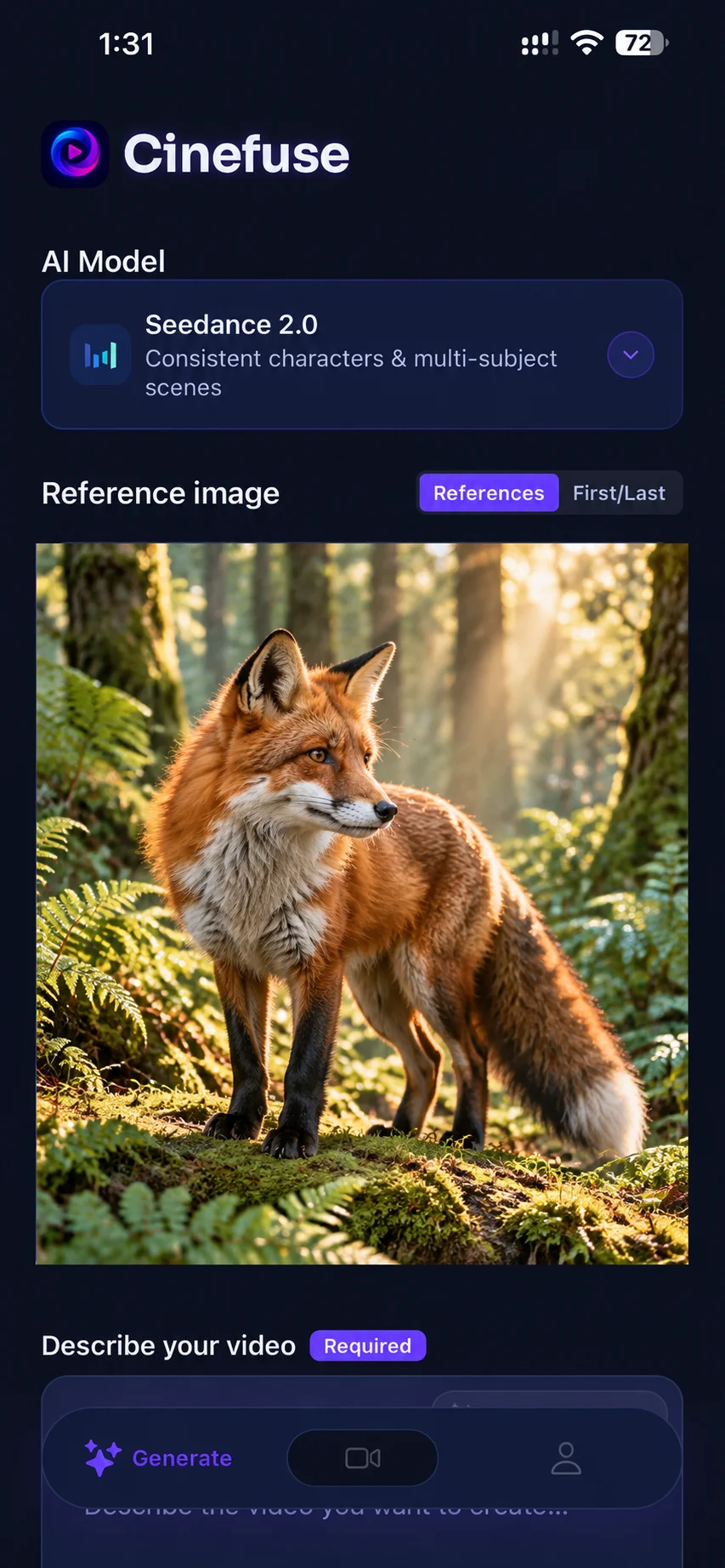
A photo-to-motion workflow you can try
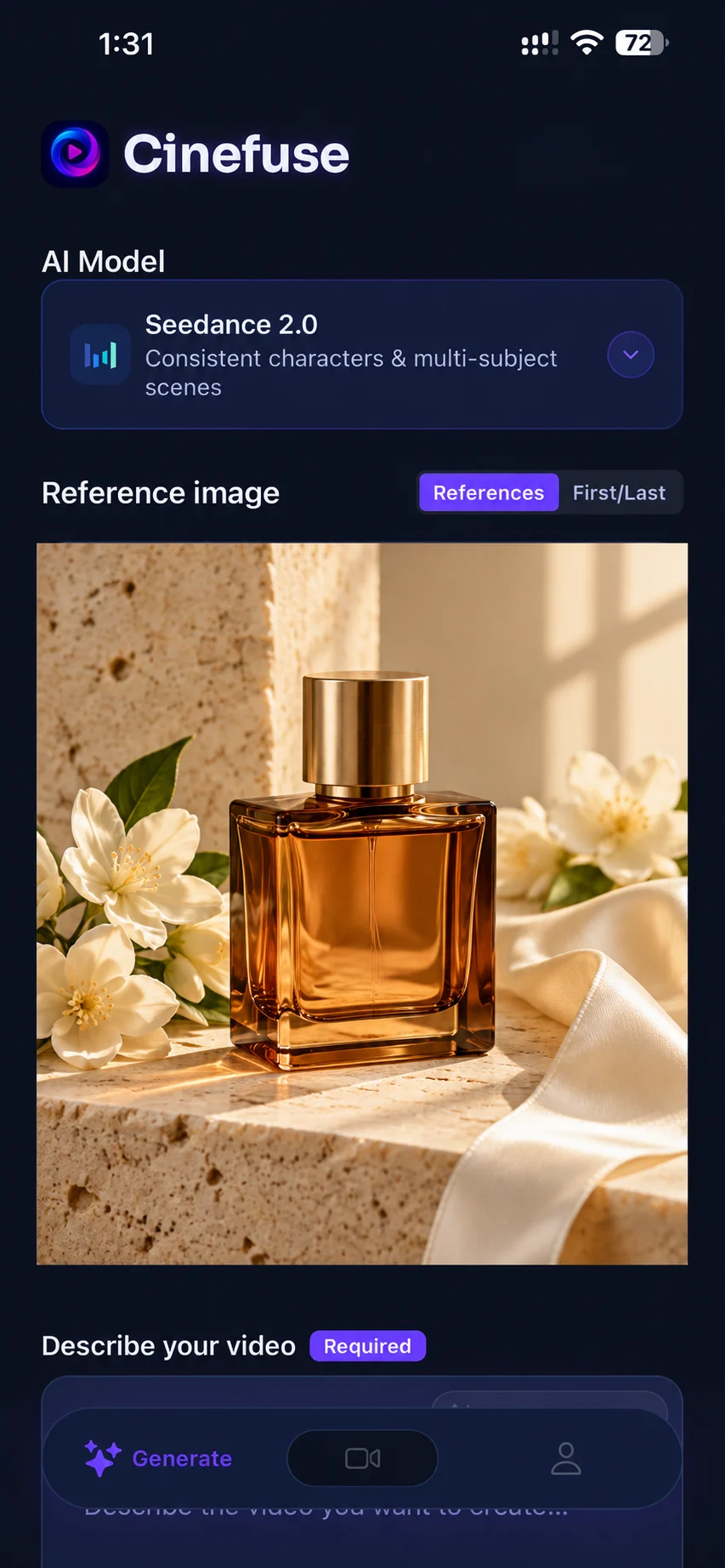
INSIDE CINEFUSE · IMAGE TO VIDEO
Turn a product photo into a mood.
This illustrative setup pairs a perfume still life with Seedance 2.0. Start with a clearly framed product, then describe one restrained camera movement.
Suggested motion prompt:
Slowly push toward the amber bottle. Keep its shape and the flowers still while soft window light moves across the silk ribbon.
Before you generate: Keep the complete bottle in frame. Choose an available output format for your platform and review the credit cost in the app.
Review the result: Watch the bottle edges and reflections for unwanted changes. If the product distorts, use a static camera and simplify the lighting motion.
Illustrative app setup with an AI-generated reference image and a suggested prompt, not a recorded before-and-after result. AI motion can change source details.
Start with one clear action. For more source-image and motion combinations, explore image-to-video prompt ideas or follow the complete iPhone tutorial.
How Image-to-Video Works
Cinefuse's image-to-video pipeline is powered by the same frontier AI models used for text-to-video generation. You upload a reference image, add a text prompt to guide the motion, and the AI generates a video that extends naturally from your starting frame. Results vary by image, model, and motion prompt. Preview the clip for changed details before sharing.
- Select your image. Tap to pick any photo from your iPhone camera roll, or use a digital illustration or screenshot.
- Add a motion prompt. Describe how you want the image to move — camera direction, subject action, environmental changes, or style.
- Choose your model. Different models animate differently. Try HeyGen Video for fast iterations, Seedance 2.5 for cinematic quality, HappyHorse 1.1 for consistent subjects, or Seedance 2.0 for dynamic movement.
- Generate and download. Your animated video is ready in minutes, in HD, ready to share.
Image to Video Capabilities
Best Image Types to Animate
Not all images animate equally well. Here's what works best with Cinefuse's image-to-video models:
Portraits and People
Faces animate beautifully — subtle expressions, blinking, hair movement. Great for social content, profile videos, and character-driven clips.
Landscapes and Nature
Clouds moving, water flowing, trees swaying. Landscape photos become atmospheric, cinematic video backgrounds.
Product Shots
Animate product photography with subtle rotation, zoom, or environmental effects. Ideal for e-commerce ads and brand content.
Digital Art and Illustrations
Bring your artwork to life. Illustrated characters, concept art, and graphic designs all animate with striking results.
FAQ: Animate Images on iOS
Does image-to-video cost more than text-to-video?
Image-to-video is included in your Cinefuse subscription alongside text-to-video. Both modes draw from the same credit pool; the credits needed can vary by model and generation settings.
Can I control the animation direction?
Yes. Add a text prompt alongside your image to guide the AI — describe the camera movement, subject action, or style you want. For example: "slow zoom in, soft bokeh, golden hour lighting."
What image formats are supported?
Cinefuse accepts standard image formats from your iPhone camera roll including JPEG, PNG, and HEIC. Any photo you can take or save on your iPhone works as a starting image.
How is this different from just adding a filter?
This is full AI video generation, not a filter. The model understands the content of your image and generates realistic motion — moving hair, flowing water, shifting light — that looks like actual footage.
Can I also generate videos from text prompts?
Yes. Cinefuse supports both text-to-video and image-to-video in the same app. Switch between modes freely.
Animate your photos on iPhone today
Download Cinefuse and turn any image into a stunning AI video in minutes.

Free to download. Video generation requires a subscription.